What's New This Release#
This release adds two-factor authentication with passkeys, security keys and company-wide rules, read-only sample products you can explore before you set up your own, and a much richer KPI experience. Your AI agent can now work with roadmaps, assumptions, Trash and KPIs, and you decide when it may change an item a person has edited. GitHub issue links stay up to date, and we fixed several roadmap and KPI issues.
New Releases#
Two-factor authentication#
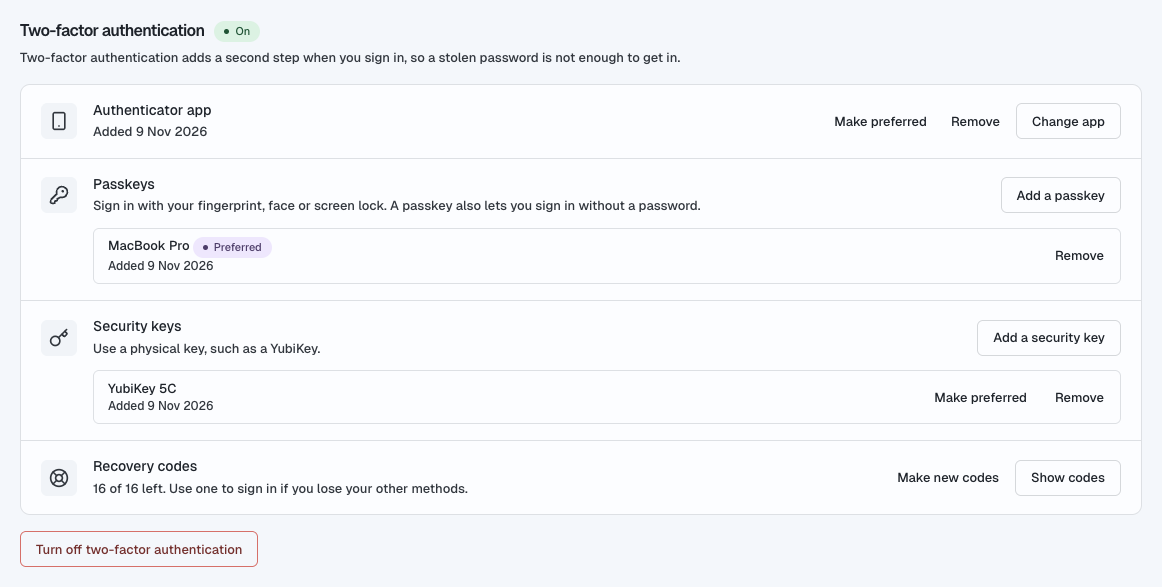
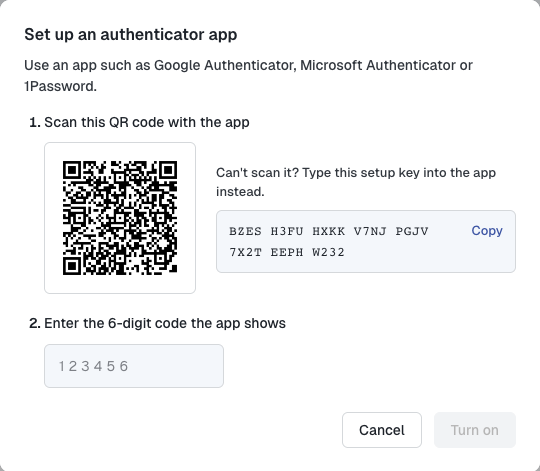
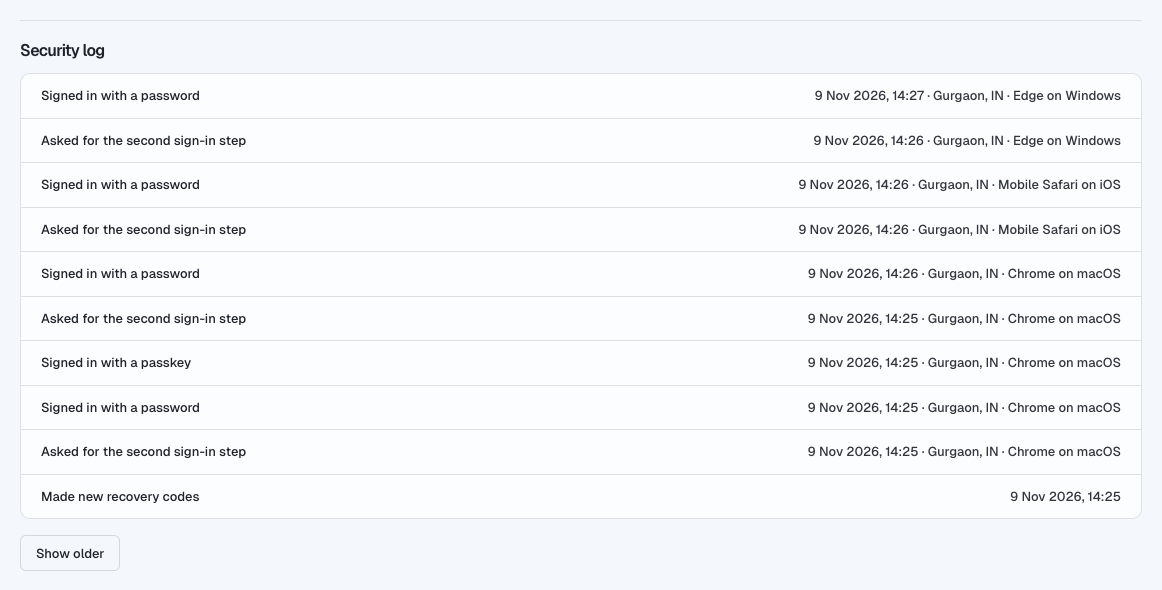
Protect your account with a second step at sign-in. Use an authenticator app, a passkey or a security key, and keep 16 recovery codes in case you lose your phone. Set it up in My profile → Two-factor authentication.Require two-factor authentication for your company#
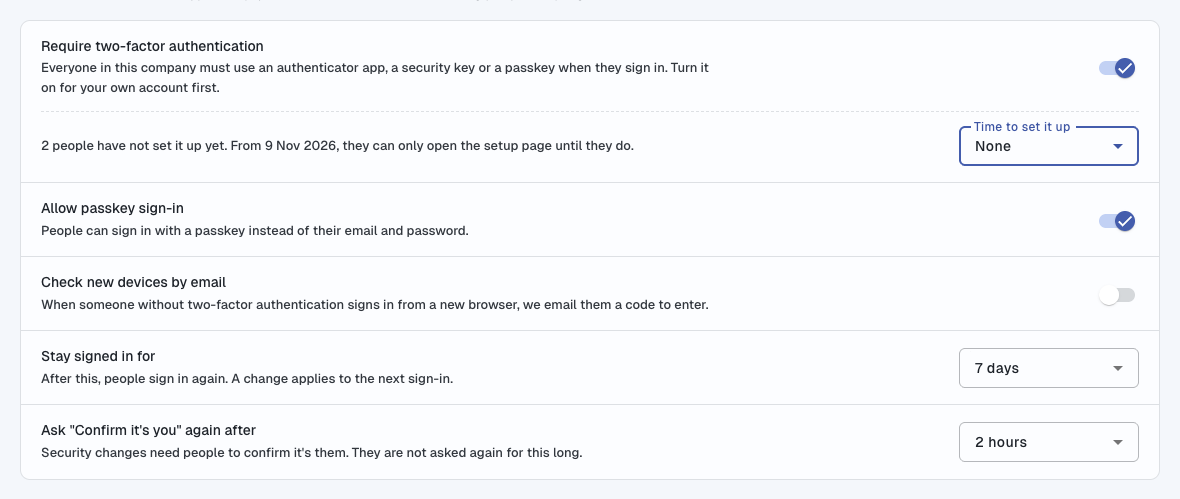
Company admins can require two-factor authentication for everyone, give people 7, 14 or 30 days to set it up, and ask for an email code when someone signs in from a new browser. Find it under Settings → Security → Sign-in security. Owners can reset a member's two-factor authentication if they lose their phone.Sessions, security log and "Confirm it's you"#
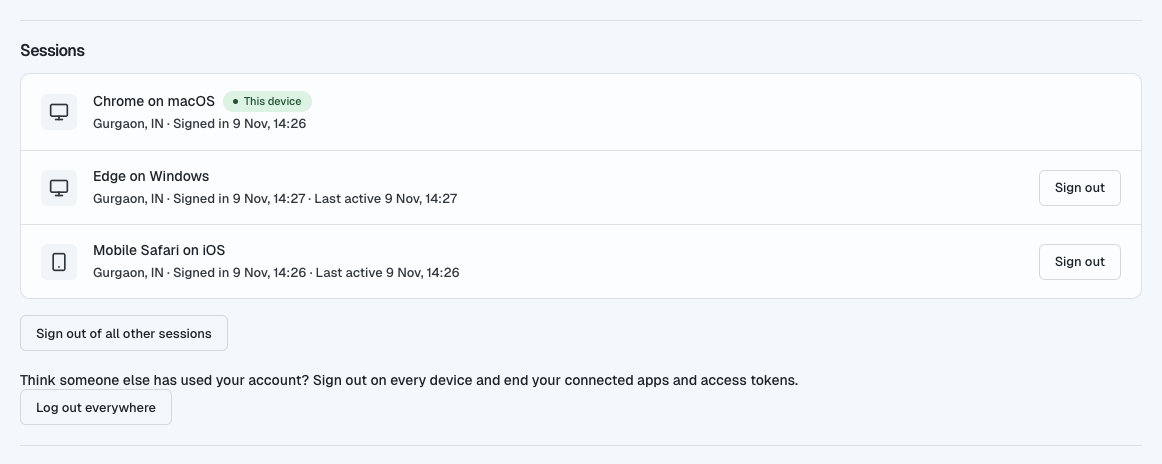
My profile → Sessions lists every browser signed in to your account, so you can sign out one you don't recognise. Security log shows the last 90 days of sign-ins and security changes. Before an important change, Shorter Loop asks you to confirm it's you. We also email you whenever your account's security changes.Explore a sample product#
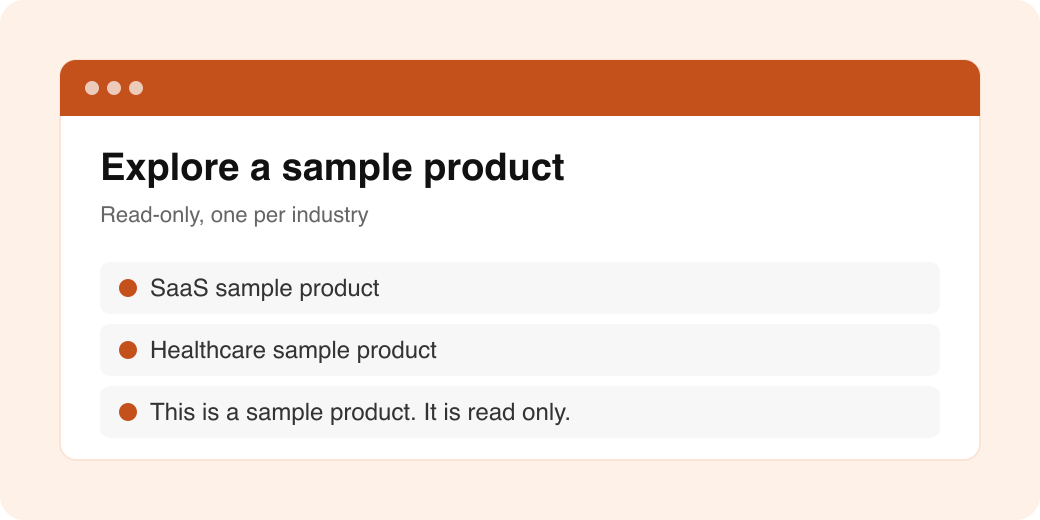
Not ready to add your own data? Open a read-only sample product for your industry and see Shorter Loop filled with real-looking work. You can choose a sample from the header, and a notice shows that the product is read only.KPIs that tell the whole story#
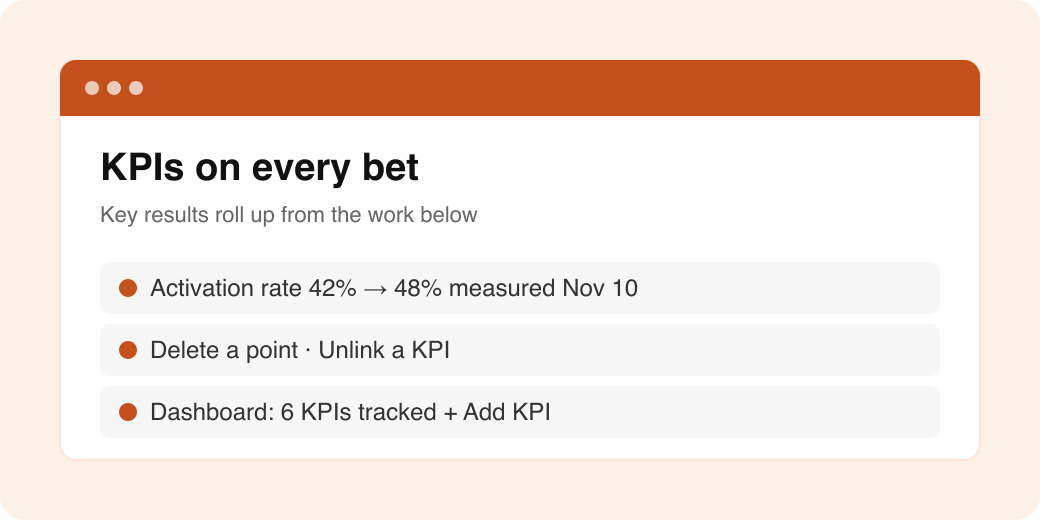
Delete a single measured point, or unlink a KPI from an item.
A bet now shows the KPIs of its opportunities, solutions, epics and features under Key results.
The KPI card shows the value from the newest measurement, dated when it was measured.
The Dashboard shows how many KPIs you track, with a picker to add them.
You decide when your agent may update an item#
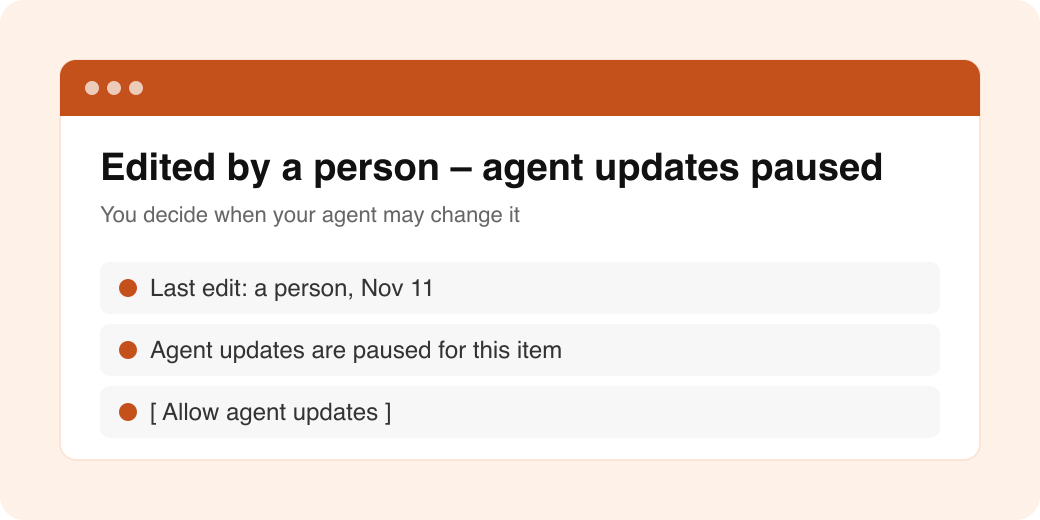
When a person edits an item, the item shows "Edited by a person – agent updates paused". Select Allow agent updates when you want your agent to change it again. Score edits do not pause agent updates.More your agent can do#
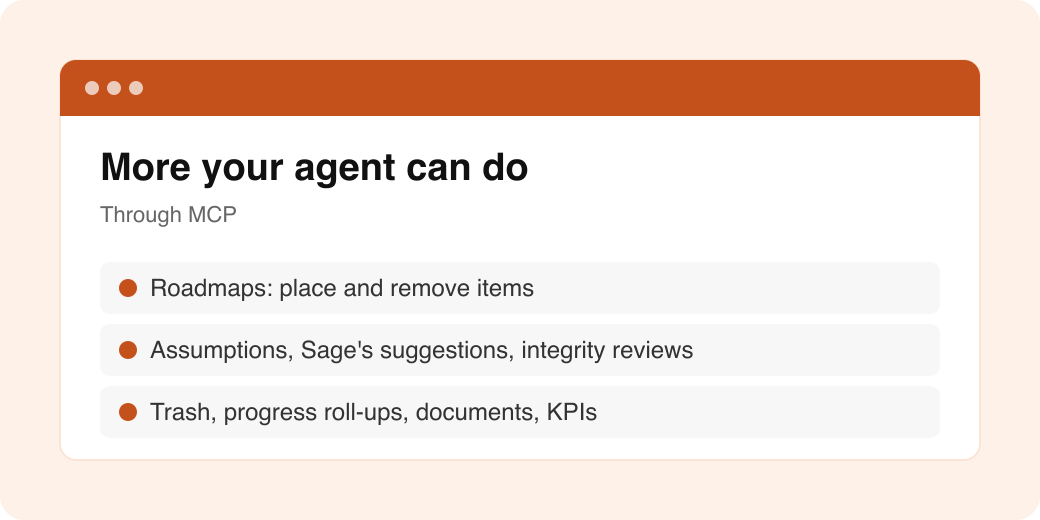
Your AI agent (through MCP) can now:See roadmaps, time boxes and lanes, and place items on a roadmap or remove them.
Work with assumptions, Sage's suggestions and integrity reviews.
List and restore items in Trash, including stories under an epic or solution.
Read progress roll-ups on tree items, read documents as Markdown, and create document versions.
Link feedback to existing items, and work with KPIs on the dashboard.
Warn you about unknown fields and parent changes before it writes.
GitHub issue links#
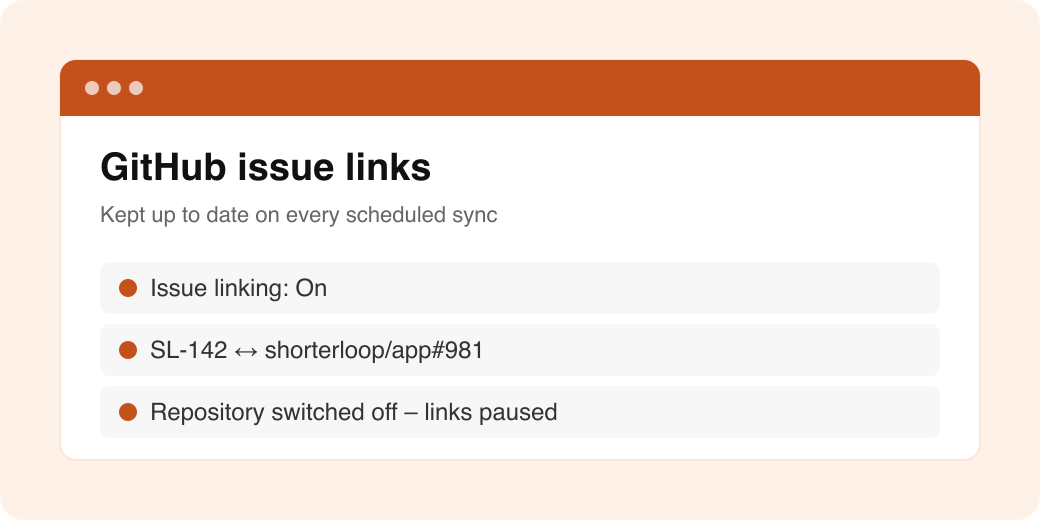
A product admin can turn GitHub issue linking on or off under Integrations. Issue links now refresh on the scheduled sync, and Shorter Loop tells you when a repository is switched off.Link feedback to an existing opportunity#
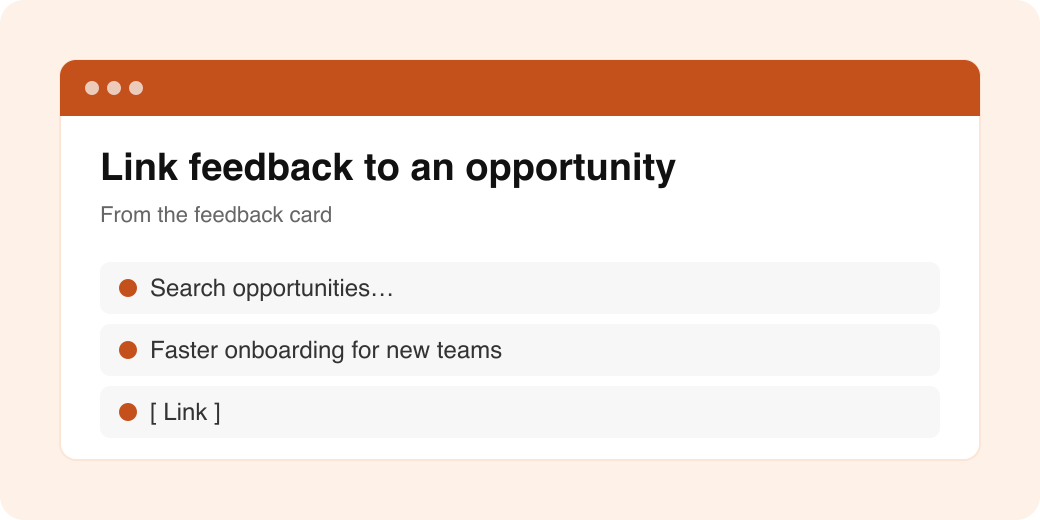
From a feedback card, you can now link the feedback to an opportunity that already exists, instead of creating a new one.
Improved#
Sage is more reliable#
When one AI provider fails, Sage now switches to another and keeps going. If a reply still cannot finish, Sage tells you so instead of waiting forever. A document that fails because of a provider problem is tried again later, not marked as failed. Calls that fail no longer use your credits.Assumptions#
Sage now rates the assumptions a person writes in Discover, not only its own. When it suggests assumptions, it links them to the right objectives and explains why it cannot support one. The Assumptions page says when Sage has no suggestions, or when they could not load.Experiments#
Copies of strategy experiments in Discover now stay in step with the original, and experiments whose original was deleted no longer appear.Release notes are now published inside Shorter Loop. The "What's new" popup shows each release once, with its title, and remembers which note you have seen.Look and feel#
Empty-page messages now sit in the middle of the screen.
Notifications look right in dark theme.
Items that were deleted now show as "(deleted)" under Used by.
Behind the scenes#
We tightened sign-in through connected agents, limited new demo accounts from the same network, updated third-party packages (including security fixes), and now deploy every build to our test environment before release.
Fixed#
Recording a value in Modify metric no longer replaces the KPI's statement.
KPI points are now listed in the order they were measured.
Removing an epic from a roadmap no longer fails.
An issue link is kept when a second Shorter Loop key is added to the issue.
Fixed several Slack and Aha! integration issues.
Fixed a problem with two-factor sign-in.
Sage chat no longer freezes when it saves a long conversation to memory.
Your agent now sees every error in a bulk write at once, instead of one at a time.
Fixed Aha! sync issues with links, accounts, users and item types.
Connected agents that cannot manage connections can sign in again.
Coming Next#
Roadmap#
More of the Roadmap revamp, so you can plan across time boxes with less effort.Dashboard#
More KPI and widget options on the Dashboard.
Release: November 2026 · Shorter LoopModified at 2026-11-12 05:55:40